
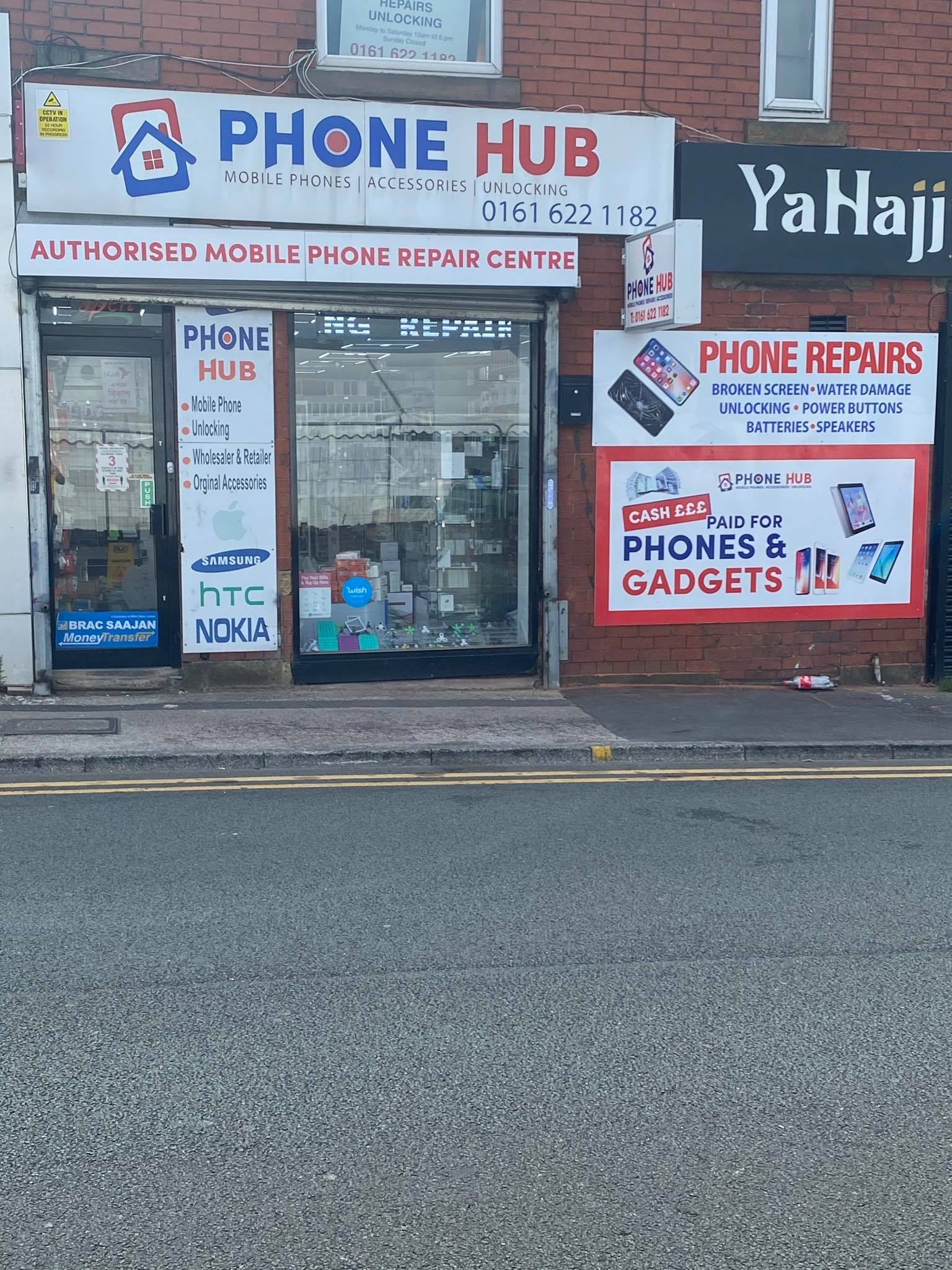
Trading in your phone in Oldham: how to prepare it

Thinking about trading in a phone in Oldham? A little preparation helps you get a useful estimate, move your important information and hand over the handset with confidence.
1. Check the exact model and condition
Find the model and storage capacity in your phone’s settings. Be clear about cracks, charging problems, camera faults and any other damage. Include whether the phone switches on and whether its screen responds normally.
An online figure is a starting point. Ask what checks are needed before an offer is confirmed and whether the condition you have described affects the value. Do not arrange a repair just to increase a trade-in offer without comparing the repair cost with the likely difference in value.
2. Back up and check what has transferred
Check photos, contacts, documents and anything you would struggle to replace. Open your important apps on the replacement phone and confirm that you can sign in. Some apps need their own transfer or backup process, so use the provider’s current instructions rather than assuming everything moves automatically.
Keep access to your email and account recovery methods during the changeover. If you use an authenticator app, check its transfer process before losing access to the old device.
3. Follow the instructions for your handset
For an iPhone, Apple recommends backing up, moving your information and removing personal information before handing it over. Use Apple’s current preparation guide for the full sequence, including linked devices and account removal. Avoid manually deleting synced photos or contacts as a substitute for the proper erase process.
For a Samsung Galaxy, use Samsung’s backup and reset instructions. A factory reset permanently removes local data. Follow its account-removal guidance too, so the next owner is not blocked by Factory Reset Protection. Menu names vary between models and software versions.
4. Sort out SIM cards and your mobile number
Remove your physical SIM and any removable memory card before final handover. If you use an eSIM, ask your network how to transfer your service and what to do with the old profile. Check that calls and messages work on your replacement before completing the changeover.
5. Confirm the offer and keep a record
Make sure you understand the final valuation, how you will receive it and any conditions before agreeing. Keep the receipt or written confirmation. If the phone is still being paid for, check the relevant agreement before selling or trading it.
Start your trade-in enquiry with Phone Hub
Try our trade-in value checker, then contact Phone Hub to confirm current options for your model and condition. Our contact page has the details for our Peel Street, Henshaw Street and George Street shops.
Know what to inspect before choosing a used handset.
Read the used-phone buying checklist →