
Buying a used phone: what to check before paying

Buying a used phone can keep the cost of an upgrade down. But a low price is only useful if the handset works properly, can be set up in your name and suits the apps you use every day.
Know exactly what you are buying
Similar-looking phones can have different storage, network support and features. Ask for the full model name and capacity rather than relying on the picture. Check whether it is unlocked for the network you intend to use, and whether a charger, cable or other accessories are included.
Words such as “good” and “excellent” are not a universal condition standard. Ask what the seller’s grading means and whether the photographs show that individual handset. A refurbished phone may have been tested or repaired, but the word alone does not tell you what work has been done.
Check the screen and everyday functions
- Screen: look for cracks, discolouration and areas that do not respond to touch. Try typing across the keyboard.
- Cameras: test the front and rear cameras, focus and video recording.
- Sound: make a test call, try the speaker and record a short voice clip.
- Charging: check that a suitable cable connects securely and the phone charges.
- Buttons and connections: try the volume and power buttons, Wi-Fi and Bluetooth.
- Unlocking: check fingerprint or face recognition where fitted.
Ask about the battery and repair history
Battery wear can affect how practical a used phone is. Ask how it has been checked, whether replacement is recommended and whether it has previously been replaced. On a supported iPhone, you can inspect battery health and available parts and service information in Settings. Apple explains the checks in its guide to buying a pre-owned iPhone.
Make sure the previous owner’s account is removed
A handset that asks for the previous owner’s account during setup is not ready for you to use. Do not buy an iPhone with Activation Lock enabled. Ask the seller to demonstrate that the phone can be set up properly. Android buyers should also confirm that setup does not require the previous owner’s Google account.
Ask the seller about the phone’s ownership and network status. Keep your receipt and the handset’s identifying details with your purchase records.
Check support, warranty and the total price
Look up the manufacturer’s software support for the exact model. An older handset may still run well but have less update support ahead of it. Read the warranty and returns terms before paying, including any exclusions. Add the cost of a suitable charger, case or battery work to your comparison.
Choosing a phone in Oldham
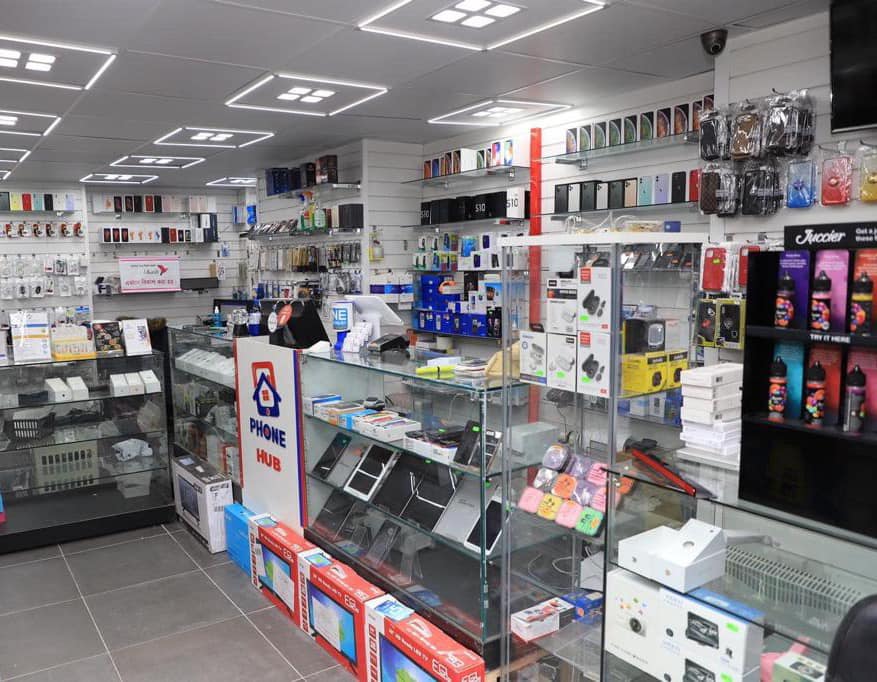
At Phone Hub, you can check our current phone listings or contact the team about available used stock. Tell us your budget and whether you mainly need calls, messaging, photos or work apps, so you can compare the options that suit you.
Compare the cost and condition before deciding on an upgrade.
Read our repair or replacement guide →
One Reply to